 Find the right AI tools for any job, task or industry.
WHY TOOLGRAIL EXISTS
AI should be for everyone.
For the work you do. For the things you want to learn.
You don’t have to work in tech to get started.
Our purpose: help everyone become AI enabled, one useful tool at a time.
01 / BEHIND THE DIRECTORY
From a new discovery
to something useful.
We gather the possibilities. You find a place to start.
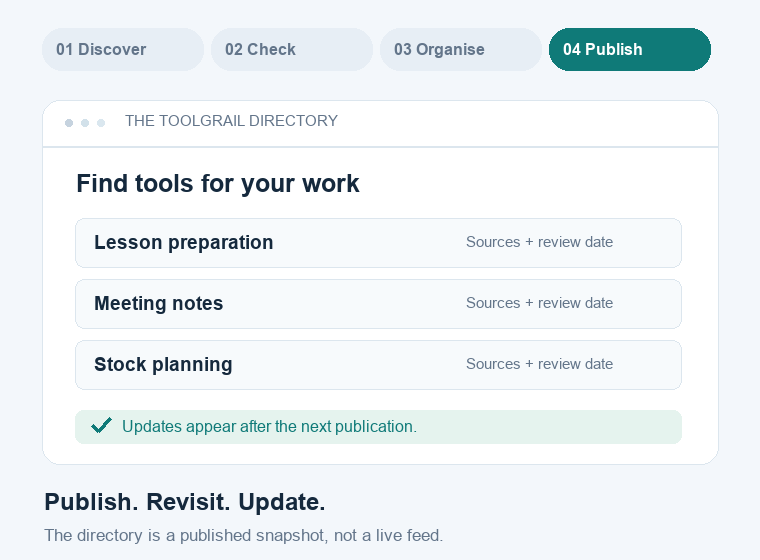
- 01 Discover
- 02 Check
- 03 Organise
- 04 Publish
Sources you can follow. Dates you can see.
Product sites, the official MCP Registry and public feeds help us discover tools. Listings show what we could check and what’s still unknown.
Updates are prepared and published in batches. The directory is a snapshot; details can change between checks.
See our sources & methodology02 / INSIDE YOUR AI ASSISTANT
Bring the directory
into the conversation.
MCP is the connection between your assistant and ToolGrail.
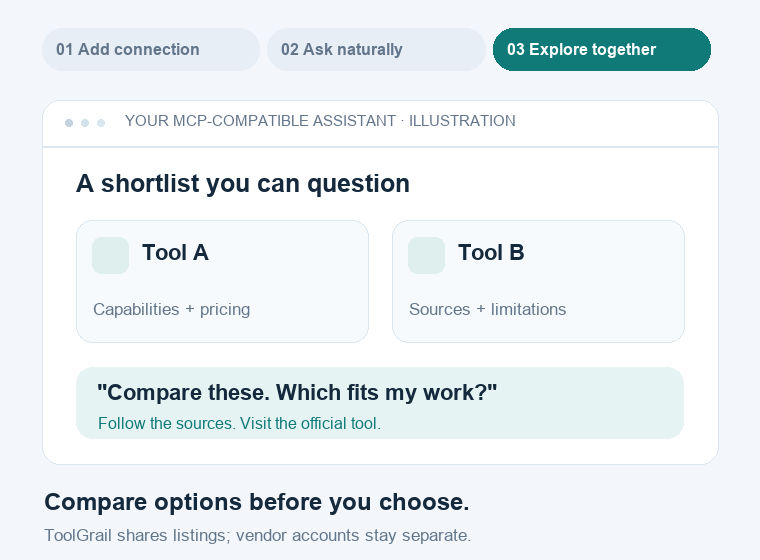
- 01 Add server
- 02 Ask naturally
- 03 Compare
In an assistant that supports remote MCP, open its connections or integrations, add a server, and paste the URL. Menus and availability vary by app; the animation is an illustration.
“I’m a teacher. Find tools to help me prepare lessons, then compare the free options.”
Search, recommendations, full profiles and comparisons—all from the published directory. Connecting is free; your assistant and any tools you choose may have their own plans. Vendor connections are added separately.
YOUR NEXT STEP